


The Bay County Library System has a new mobile app! Download it using Google Play or the App Store.


With the app, you can:
Search for books, movies, and other materials.
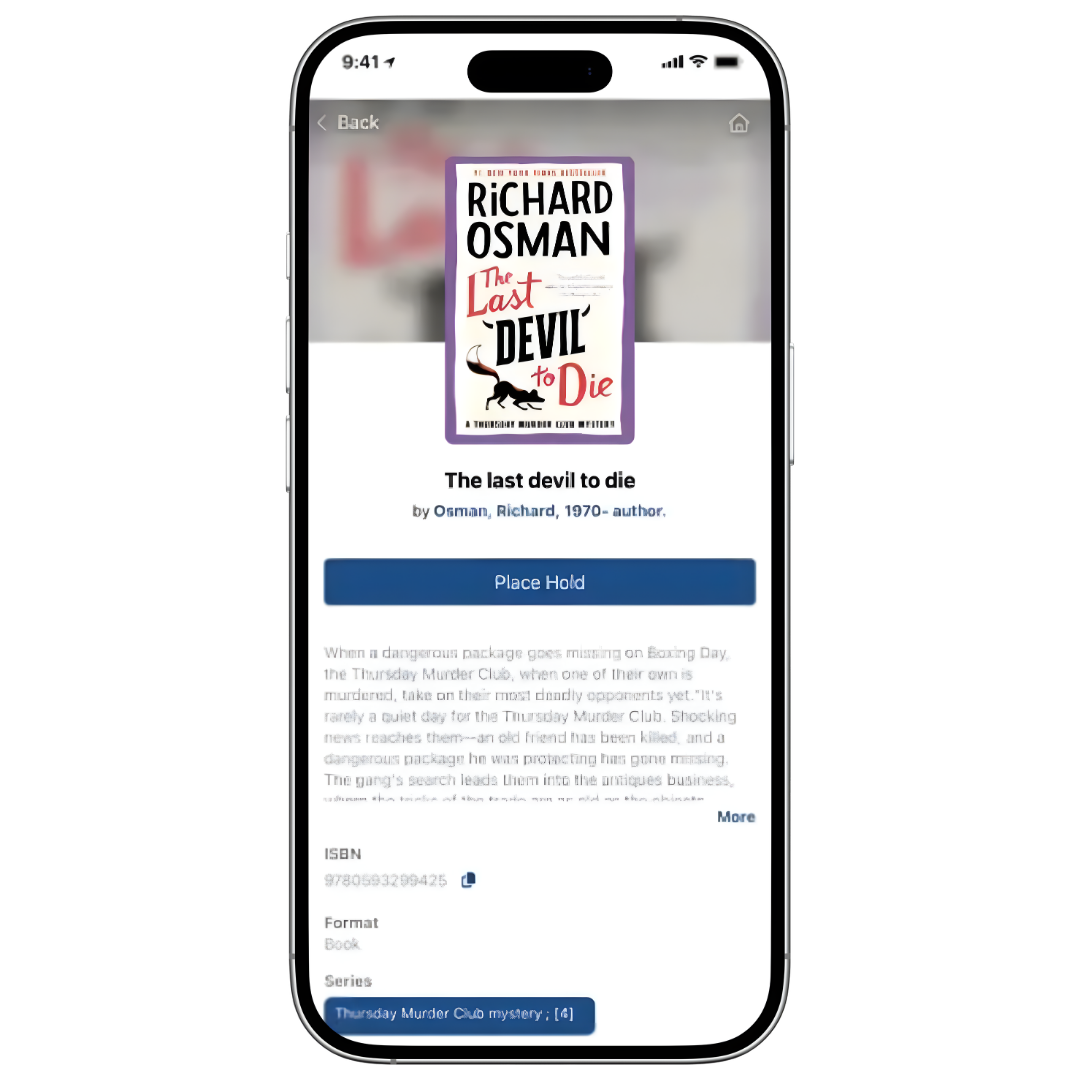
Place holds, view and renew your checkouts; manage your holds.
Stay logged in without re-entering your card number and PIN.
Scan ISBN barcodes of books, wherever you see them, to see if they are in our collection.
Access your library barcode.
Frequently Asked Questions
We have moved to a new library catalog system called Polaris, and our previous mobile app is not compatible with the new system. Because of this change, we now have a new mobile app that connects to the updated catalog and allows you to manage your library account from your phone or tablet.
Yes. The old app will no longer work with our new catalog system, so it will not be able to access your account or library services.
To continue using library services on your mobile device, you will need to download the new app called “VLC Member Libraries.” We recommend uninstalling the old app once you have installed the new one.
You can download the new app in a few ways:
• Search your app store for “VLC Member Libraries”
• Use the download link provided on our website
• Scan the QR code on our app information page
The new app icon has a blue background with an open book and stars.
Google Play Store: https://play.google.com/store/apps/details?id=us.sol.VLC
Apple App Store: https://apps.apple.com/us/app/vlc-member-libraries-app/id1533406356
Logging in is simple.
Use:
Username: Your library card number (barcode)
Password: Your four-digit PIN
This is the same PIN you created when you signed up for your library card.
If you don’t know your card number or PIN, library staff can help you look it up or reset it.
The mobile app allows you to manage your library account from your phone or tablet. With the app you can:
• Search the library catalog
• Place holds on materials
• Renew items you have checked out
• View your holds and due dates
• Access your digital library card for checkout
• Manage multiple library accounts in one place
Yes! The new app allows you to link multiple library cards.
This can be helpful for families or caregivers who manage library accounts for multiple people. Once linked, you can easily switch between accounts within the app.